Product · Video
Describe a video in a chat. Approve it. Get it.
The creative chat is where every video is made. Say what you want, approve the plan and its credit cost, get the video, and ask for changes in the same conversation. Topic videos for your own channel; shorts for the offers you share.
Short
A short video built for where it will be shown. You choose the placement; PAD6 sets the shape and aims for the right length.
- Tell the chat: the offer or post, the page it points to, the angle, the placement
- Length: 8 to 20 seconds, set by the placement
- Shapes: vertical 9:16, square 1:1, landscape 16:9
10 credits per short
Topic video
A video for your own channel that explains one subject, with a plan and script you approve before anything is made.
- Tell the chat: the subject, who it is for, the takeaway, words to avoid
- Length: whole minutes, from 1 to 3
- Narration and captions on or off
5 credits per started minute, 15 at most
How the creative chat works
An illustrated walkthrough of the chat. The video at the end is a real sample, made with the Inter Media Studio engine behind PAD6.
Creative ChatIllustrated conversation · the finished video is a real sample
Describe it
Write what you want in your own words. Add a page link or a video you like as inspiration if you have them.
Approve the plan and cost
The chat answers with a plan and a credit quote. Change the plan as much as you like; nothing starts until you approve.
Get the video
Credits are reserved when you approve and spent only when the video is delivered. A failure returns them.
Ask for changes
Reply in the same chat. Any change that costs credits shows its quote first.
What you can shape in the chat
Each part can be changed before the next one starts. Nothing is spent until a video is delivered.
Hook
The plan names the opening line. Ask for a different one in the chat, so the first seconds say what the video is about.
Plan
For topic videos, see the outline: the points, their order and the takeaway.
Script
Read and edit the words before any visuals are made.
Style
Say the colours, look and voice you want in the chat, before the video is made.
Quote and confirm
See the credit cost. Confirming reserves it; delivery spends it; a failure returns it.
Sample videos
Real finished shorts made with the Inter Media Studio engine behind PAD6. Press play; they show the format and finish, not results.
Six gift ideas built around daily habits
How long does pantry food really keep?
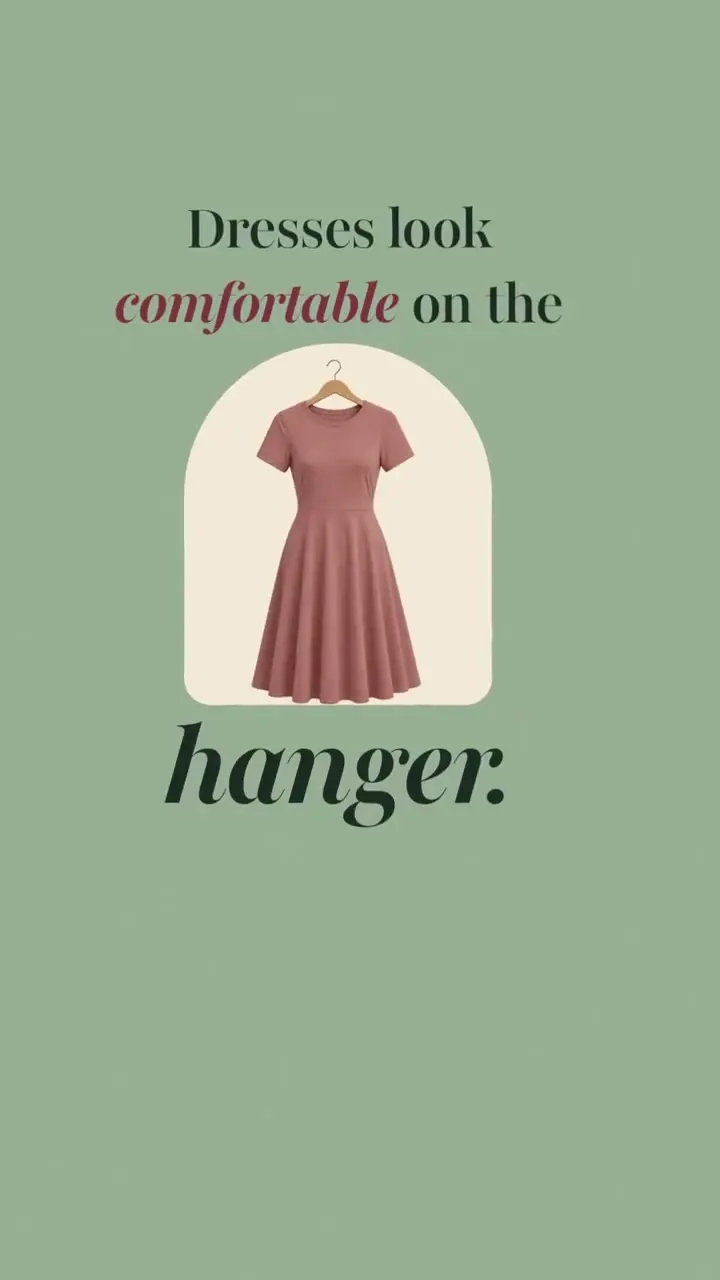
The chair test for a comfortable dress
Why round tables suit tight rooms
The product in 33 seconds
Meet PAD6: say the idea, get the video
Make your first video
You see every quote before you confirm.